
Skip to content
EnvyLeads IconEnvyLeads

Custom Software for Tucson

Field tools that work where your team works

From monsoon-season roof jobs to downtown office installs, your field team faces conditions that change by the hour. We build mobile apps that respect those conditions—offline, online, or somewhere in between—and keep the office informed without forcing a rigid process.

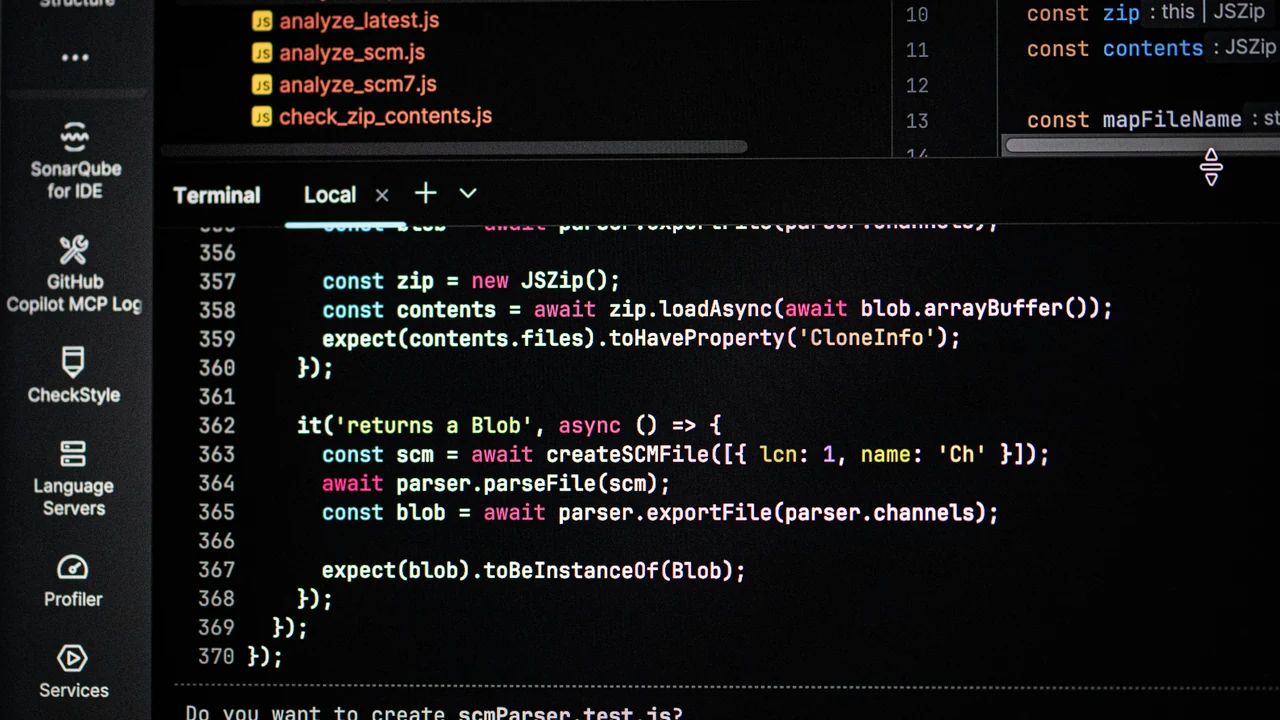
Authentic photograph of computer screen displaying code and terminal output.

Dispatch context and work orders

A field app should present the dispatch context approved for the job, such as address, contact details, prior notes, or required parts. Work-order steps are shaped around representative job types and include an exception path when real work differs from the expected flow.

Forms, photos, and signatures

Forms, photos, and signature capture are configured for selected devices and business rules, with review, retake, and sync-status indicators. Metadata, storage, consent, retention, and any legal significance of a signature remain owner and counsel decisions.

Offline and sync states

Tucson's cell coverage is not uniform. We design the app to cache work orders and forms locally, so a technician can continue working without a signal. When the device reconnects, sync happens in the background with conflict handling that you review. We are explicit about what happens if two devices edit the same record—you choose the rule, and we test it.

Permissions, safety, and office handoff

Not every field worker should see every customer's payment history. We set permissions per role and per job, and we include a safety boundary feature that can block certain actions (like signature capture) until a required field is completed. The office handoff is a clear summary of what was done, what is pending, and what needs follow-up. We do not automate safety decisions; we provide the tools for your team to make them.

What the engagement can produce

Practical deliverables

Job type and checklist builder

A configuration screen where you define job categories, required fields, and optional steps without needing a developer.

Offline-first sync engine

A documented sync protocol with conflict rules, tested on your devices and network conditions before launch.

Photo and signature capture module

A capture flow with metadata, review, retake, permission, and storage-path decisions documented for office access.

Handoff report template

A structured summary that the technician sends to the office, including completion status, issues, and recommended next steps.

Related custom software services

Map your field workflows with us

Bring your current work order forms and dispatch process. We'll identify what to digitize and what to leave alone.

Custom software decision guide

Is Field Service Apps Right for Your Business?

Start with the business problem and desired outcome. The consultation determines whether this service is the right next step, what should come first, and what does not need to be built.

Best fit

Who This Is For

A strong fit when off-the-shelf tools force damaging workarounds, critical systems do not integrate, or a unique workflow deserves a purpose-built application.
Business outcome

What Should Change

Software shaped around verified users, decisions, data and operational constraints—with ownership and maintenance defined before the build.

Scope control

What Happens First

We inspect the current process, define the constraint and agree on success criteria before recommending implementation.

A practical process

From Current Constraint to Working System

  1. 1

    Diagnose

    Review the goal, current workflow, available data and the point where progress breaks down.

  2. 2

    Define

    Agree on priorities, deliverables, responsibilities, measurement and the smallest useful scope.

  3. 3

    Implement

    Build or improve the approved components, test the handoffs and document ongoing ownership.

  4. 4

    Improve

    Review real performance, correct weak points and expand only when the evidence supports it.

Evaluate before you commit

Review the Work and the Method

Use the portfolio, case studies and results pages to inspect how Envy Leads approaches projects without relying on invented testimonials or unsupported promises.

Common questions

Before You Start Field Service Apps

What problems can this service help solve?

We start with discovery, requirements and workflow mapping so the business can validate scope before committing to architecture and implementation.

Can Envy Leads work with our existing team and tools?

Yes. The first step is understanding what already works, who owns each part of the process and where the handoffs fail. Existing staff, vendors and systems can remain when they support the approved plan.

What happens after the free consultation?

You receive a clear recommendation for the next step. If implementation makes sense, scope, responsibilities and expected deliverables are defined before work begins.

Do we meet online or in person?

Choose a 20-minute online consultation or a 30-minute meeting at your location anywhere in Pima County. Appointments require at least 48 hours of notice.

Bring us the bottleneck

Talk Through Field Service Apps Before You Commit

Meet online, or have Envy Leads come to your location anywhere in Pima County.

A practical next step

Ready to turn more attention into customers?

Meet online, or we will come to your location anywhere in Pima County. Consultations are always by appointment.

Scroll to Top